
Before installing PealTV: device and connection
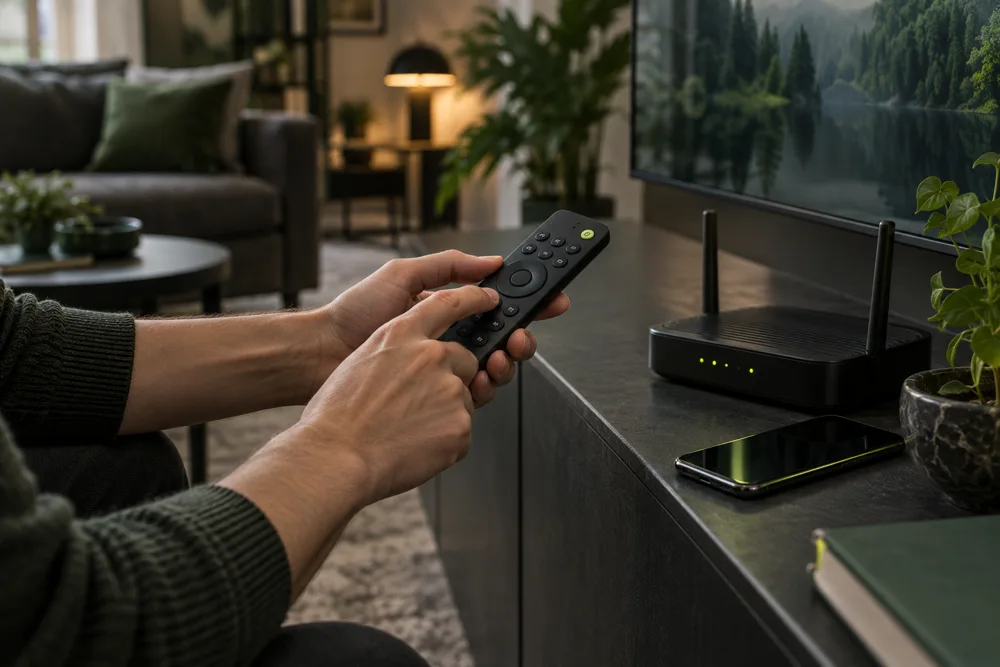
A simple checklist to get ready for installation.
Identify your device
Note the brand, model and operating system. Two TVs from the same brand may have different stores or apps. The How to install PealTV section lists planned platforms; downloads will open when each version is ready.
Check your connection
Make sure your device has a stable internet connection. For televisions, check Wi-Fi coverage or the option to use a wired connection. Final PealTV requirements will be published with each release.
The app and subscription are different
The player is the app that opens content; the subscription provides access to the service. Installing an app does not include an account or replace activation. The PealTV app is still in development; final requirements will be published before launch.
Keep the right details handy
After manual activation, use only the details provided for your account. Do not publish passwords, playlists or screenshots containing them. Keep this information private.
Check access before personalizing
First, check that you can sign in. Then configure the options offered by the player, such as language, favorites or family controls. These features depend on the app.
An editorial guide by PealTV. Commercial terms will be confirmed before sales open.
View tutorials ↗